
Open Thinking when Solving a Problem

I think I have mentioned this before …. when you have different ways to solve a problem it is often easy to get locked off into a long winded but potentially elegant solution and miss the point.

3D printing has brought this home to me on a number of occasions.

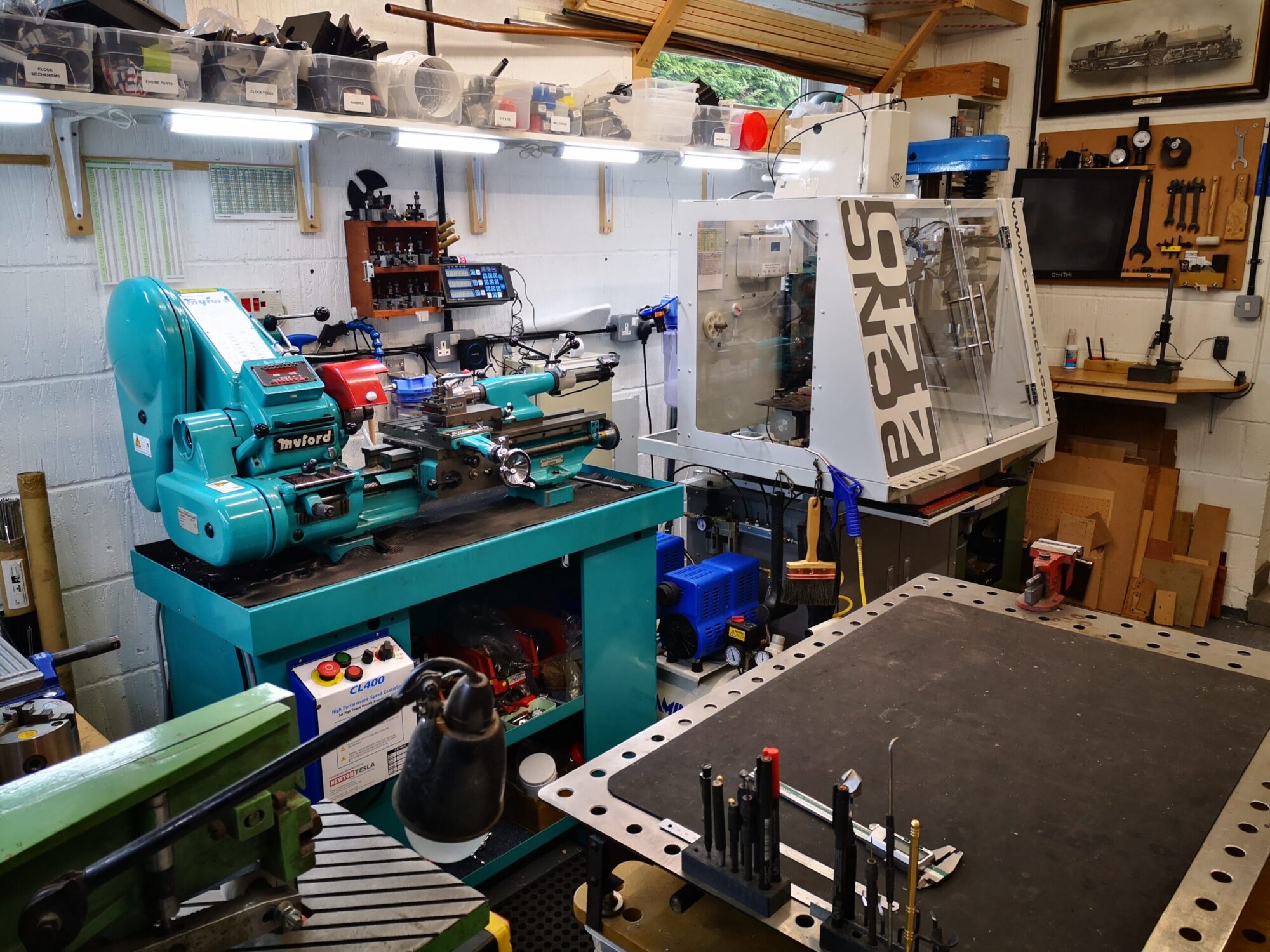
An example – I have variable speed controllers on my Myford Lathe and Myford mill.   The controllers are identical and each have an ON and OFF push button.  The bezel around the ON button on one of these had cracked and come away leaving the switch floating in its mounting hole.

My first reaction was to replace the switch.  I contacted the controller supplier to ask for a part number and distribution source to buy a new switch.  They ignored my email which was fortunate as I would probably have ordered a complete new switch assembly.  I would then have had all the grief of stripping down the controller case and wiring in the new switch.   This would probably have invalidated any warranty etc etc.

Instead I stepped back and looked at the problem from a different angle.  The bezel while broken still had enough of the ring and thread intact and simply needed gluing back together.   However it would not have been strong long term.   What it needed was an outer strengthening ring.

Fusion 360 called and the Sindoh 3D printer.   A ring was designed and printed  (20 minutes) and the bezel strengthened and made good.   I also printed three more rings and put these around the remaining three switch bezels as a preventative action should they also weaken and crack.

A simple, low cost and effective solution with the added benefit of reduced downtime in the future.   But the point is that it wasn’t the first solution I was considering correct though it might have been.

3D printing is such a useful resource to have available but you need to think outside of your normal approach to a problem to realise its potential.

Sorry that wasn’t mega interesting but I thought it worth sharing …

Similar or related subjects : –

Finishing the surface of 3D Models

Over Christmas I had 3D printed a clock frame for my granddaughter’s birthday.   The size ended up being three separate prints which I later glued together.  All three prints were done ‘face down’ on the Sindoh bed and all printed on a raft.   Once the raft had been removed the finish was not very elegant as it showed the striations of the raft on what would be the viewed surface.   The print was in PLA and I initially did some tests on scrap prints to see if I could rub a surface down.   This was not an ideal approach and I was not too keen to start on the clock in this manner.

Next idea was to use Gorilla twin pack glue cut with Meths.   This created a very runny adhesive mix that could be brushed onto the surface of the print.  Surprisingly enough despite being ‘modified’ the glue went off and was quite hard to the touch.   It did not rub down all that well.

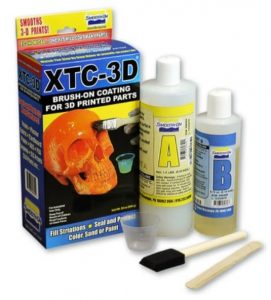
Reading up on the net there is a product called XTC-3D which is made just for this purpose.   It is expensive but does stretch a long way in use.  It is a twin pack mix in 2:1 ratio and once mixed it has a setting time of around 20 minutes so you need to get your act together and be well prepared. The makers recommend using a wide foam brush to apply the compound.   This was quite good in that it ‘scraped’ across the tops of the striations and the filler settled like levelling compound does on a floor.

I left it to harden off overnight and then rubbed down wet with 400 grit paper on a flat surface.   This kept the dust damped. The finish was excellent.   I then undercoated and glossed with acrylic spray paint.

The final clock frame looked very good with no obvious signs of the printing artefacts.  While pricey, I would recommend the XTC-3D product for this purpose.

Similar or related subjects : –

I’m not saying our kids are alcoholics …

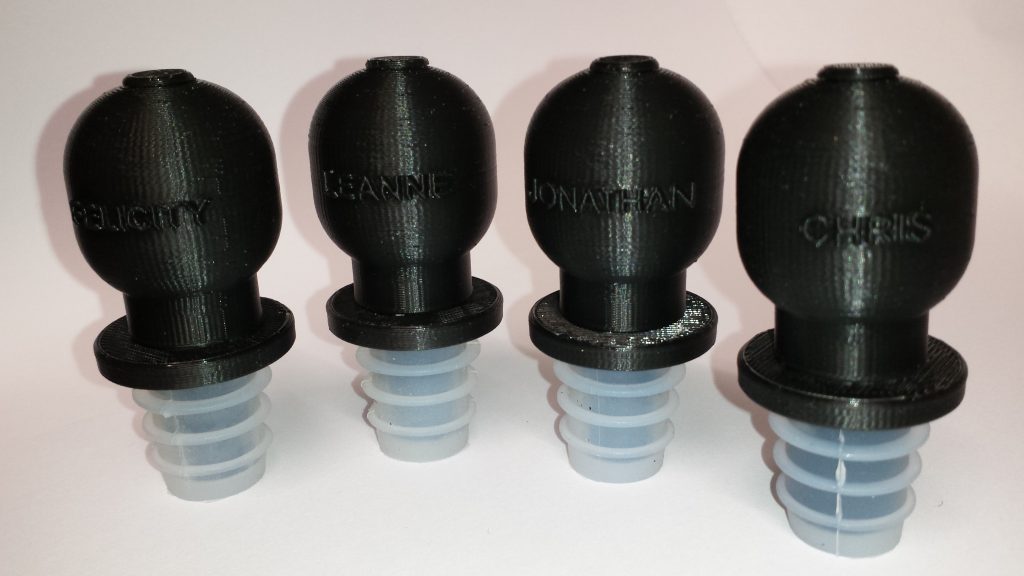
But this was a nice exercise in Fusion 360 and Sindoh printing and provided some simple UNO winner prizes.   (Yes we always play at Christmas and it can get very bloody …).

The challenging part was wrapping their names round the body and I am indebted to John at NYC CNC for his video on putting text on a cylinder (Fusion Friday FF104).  Editing the names was not quite so simple – the clue is to turn the body off so you can get at the text which sits in a different plane.

Happy Christmas to anyone who reads my stuff.  More in the New Year and hopefully less Haimer probe breakages.

Similar or related subjects : –

Laser Centring Tool for Tormach Tooling System

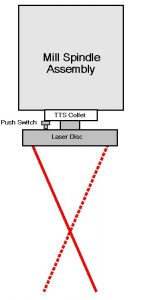
Frustrated by not being able to use my Myford Mill Laser Centring tool on my Tormach PCNC440 I have done a redesign using Fusion 360 and 3D printing.

Tormach, Fusion360
Concept View of Laser Centring for Tormach TTS

Read about it here ……

Disclaimer : –  This post and many others on my website feature references to Tormach and its products.  I have no connection to Tormach Inc financially, commercially or otherwise.  I acknowledge that Tormach®, Tormach Tooling System®, TTS® and PathPilot® are all registered trade marks of Tormach Inc.

Similar or related subjects : –

Sindoh 3DWOX DP200 Raft Printing Problem

My close friend in France also has a Sindoh 3DWOX DP200 3D printer.  We bought them at a similar time.  He has probably been a busier user of the machine.   He has designed and making a very complex camera mount for tracking celestial objects.  He is using an Arduino as the controller and has never written code before.  He is having fun and keeping his brain stimulated.

A few weeks ago he reported that the raft that the machine was laying down before printing objects was not uniform and had ‘holes’ in it.   The result was that the PLA being extruded for the object being printed, would droop down into the void in the raft and spoil the finish of the object while also making it hard to separate from the raft afterwards.

We swapped ideas remotely about what might be the cause and tried various tests and experiments but to no avail.

As it happened a few days ago we were travelling down into France and calling in to see him for lunch so I had a chance to see the problem first hand.   More head scratching until …. I had the printer bed in my hand near the window and the sunlight caught the surface of the plastic laminated to the metal bed.   My eye caught a slight bubble in the plastic surface where the adhesive bonding the plastic to the metal had presumably parted company.   This was the problem !   The air bubble, small though it was, was causing a discontinuity in the bed temperature profile leading to the PLA not flowing from the nozzle correctly.

We ran a print and put the object on a different area of the bed where there was no bubbling or scratches and the raft and the print were good.

New bed plate ordered ….

Similar or related subjects : –

Verified by ExactMetrics